
Record training videos on your own
June 30, 2022
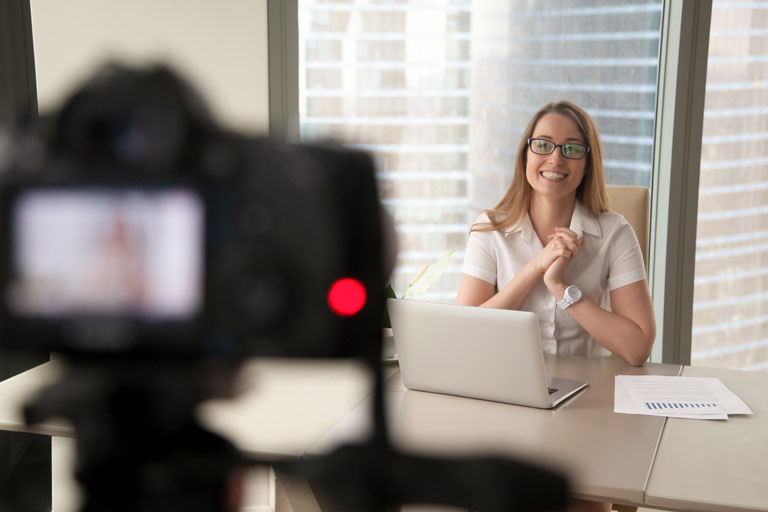
How can you record your training videos yourself, without anyone's help?
Recording a training video without the help of an "assistant" isn't that easy: besides the technology, you also have to keep the entire content in mind – all while looking into the camera as much as possible.
Professional productions often involve a camera operator, a sound engineer, possibly someone directing the recording and someone operating the teleprompter. Spontaneously producing a training or sales video is practically impossible that way.
With PPT Mirror, that's exactly what becomes possible: a training presentation runs on a teleprompter. You keep the slides right in view while you're being recorded on video as the speaker.
How to produce your training recording with PPT Mirror
- You use your existing PowerPoint slides and don't have to turn them into running text
- With PPT Mirror you create a mirrored PowerPoint presentation, transfer it e.g. to your iPad or tablet, and use it directly in the teleprompter.
- With a remote control you conveniently move slides forward and back
- You can even switch to the next slide ahead of time, because the viewer doesn't see the slides during the recording.
- You concentrate on the content, not on the technology.
- You automatically use bullet points instead of running text; that makes your videos livelier
- In post-production, you can overlay the slides in your video with perfect timing
The advantage of PPT Mirror and a teleprompter
Because you look into the camera in a relaxed way, the viewer gets the feeling that you're speaking to them directly. Your videos come across as more authentic, your delivery as more confident and credible.
What do you need to do to start producing videos as soon as possible?
- Order PPT Mirror
- Get a teleprompter (you'll receive a checklist and recommendations right after your purchase)
- Mirror your training presentation and record yourself as the speaker
- Add your slides to the video while editing it
- Upload the produced videos to a suitable training platform / your website