Compelling Videos with PPT-Mirror and a Teleprompter
- PPT-Mirror mirrors your PowerPoint presentation so you can use it in a teleprompter right away.
- While speaking, you always keep your train of thought.
- Your delivery stays natural because you're not reading word for word.
Free demo for Windows – mirrors the first two slides, no registration required.
Speak freely and get your message across naturally
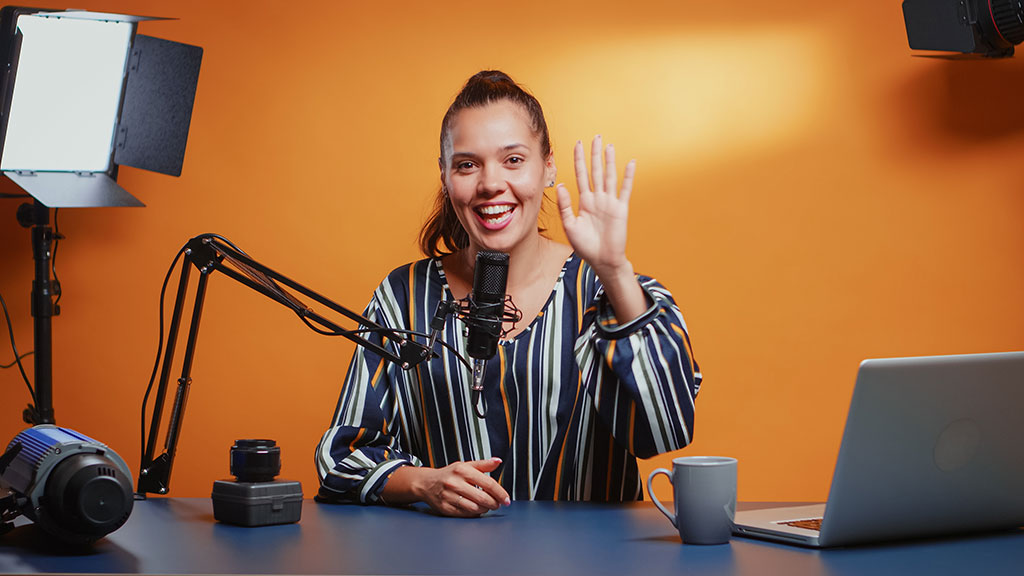
With PPT-Mirror, recording even longer videos becomes effortless – like a pro. Sales and training videos come across as more authentic, and post-production takes far less time because you never lose your train of thought.
Another advantage: your delivery stays natural because you're not reading word for word. Simply take your existing presentations and turn them into professional teaching and sales videos!
Self-produced videos with a teleprompter and PPT-Mirror
It's this simple: take your iPad or any other tablet, an inexpensive passive teleprompter, PowerPoint (or Google Slides) and PPT-Mirror.
Recording videos has never been easier: mirror your PowerPoint, place the tablet in the teleprompter and start recording!
Sell more effectively
Because you come across as more authentic in your videos.
Better training videos
Because you keep "eye contact" with your viewers.
Confident on camera
Because you always see your outline while looking straight at your audience.
Pricing
Web app and Windows program, PPTX and PDF export, mirrored notes, all updates – one subscription, everything included.
Yearly
- Web app & Windows program
- PPTX and PDF export
- One year, then cancel yearly
All prices incl. VAT where applicable. Want to try it first? Download the free demo – mirrors the first two slides.
What happy users say
"I'm 100% satisfied with the software, it's a great investment for me. The download size is small so the program runs really smoothly, the app's interface is just wonderful. It's so simple and clear, great work. I use it to record teaching videos at home. Thank you for this wonderful software."
Terry, The Teacher · YouTube channel
How does the PPT-Mirror app work?
Open your PowerPoint file with PPT-Mirror. With one click, create a new presentation in which all slides are displayed mirrored. Save the presentation as a PowerPoint or PDF file and use it on your tablet.
That makes it easy to use on a teleprompter, an Apple iPad or an iPhone with the matching app (Keynote or PowerPoint). Combined with a remote control (presenter), you can record longer videos entirely on your own while keeping your train of thought. Or simply use the web app in your browser – no installation needed.
By clicking play, the video is loaded from YouTube (Google) – see Privacy Policy.
How does a teleprompter work?
A teleprompter is built around a semi-transparent mirror. It reflects the screen lying flat below it (e.g. your tablet) towards you, while the camera films from behind through the glass. As the speaker, you look straight into the camera and see your presentation in the mirror at the same time.
To get a mirrored PowerPoint presentation, load it into PPT-Mirror and save a mirrored copy (or a PDF, in case you don't have PowerPoint on your tablet). You can then play it on your iPad or iPhone and use it in the teleprompter.
The downsides of a conventional teleprompter app
Of course, you could use a standard teleprompter app instead. But those usually just scroll text that you then have to read out. For non-professional speakers, that often leads to a tense posture and a strained facial expression.
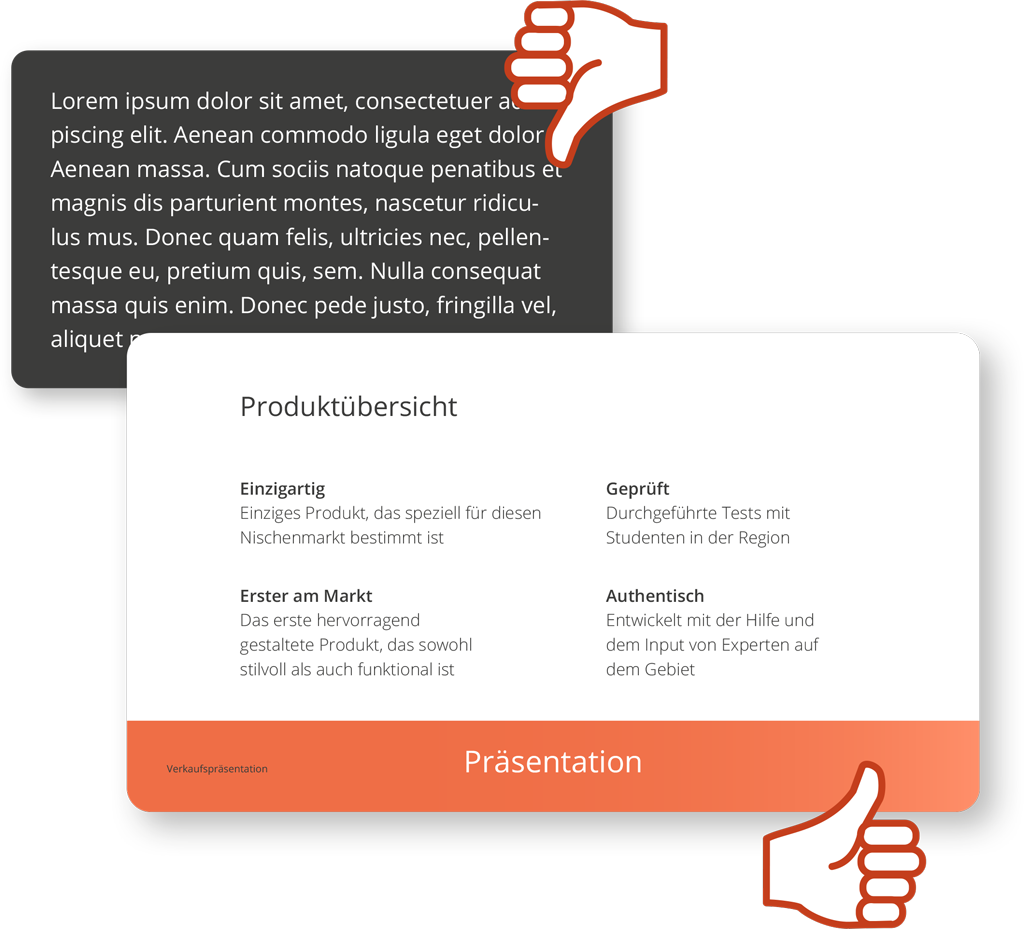
7 reasons why you shouldn't use a teleprompter app:
- You're reading text out loud. Only professionals can hide that "reading" look.
- Your reading pace never changes – which quickly comes across as monotonous and boring.
- Your eye movements give away that you're reading.
- The script has to be written out word for word – that costs a lot of time.
- Reading and speaking at the same time takes a lot of concentration – you end up looking strained.
- A slip of the tongue exposes you instantly – people can tell a natural stumble from a misread line.
- You really don't want "Are they reading this off?" comments under your videos.